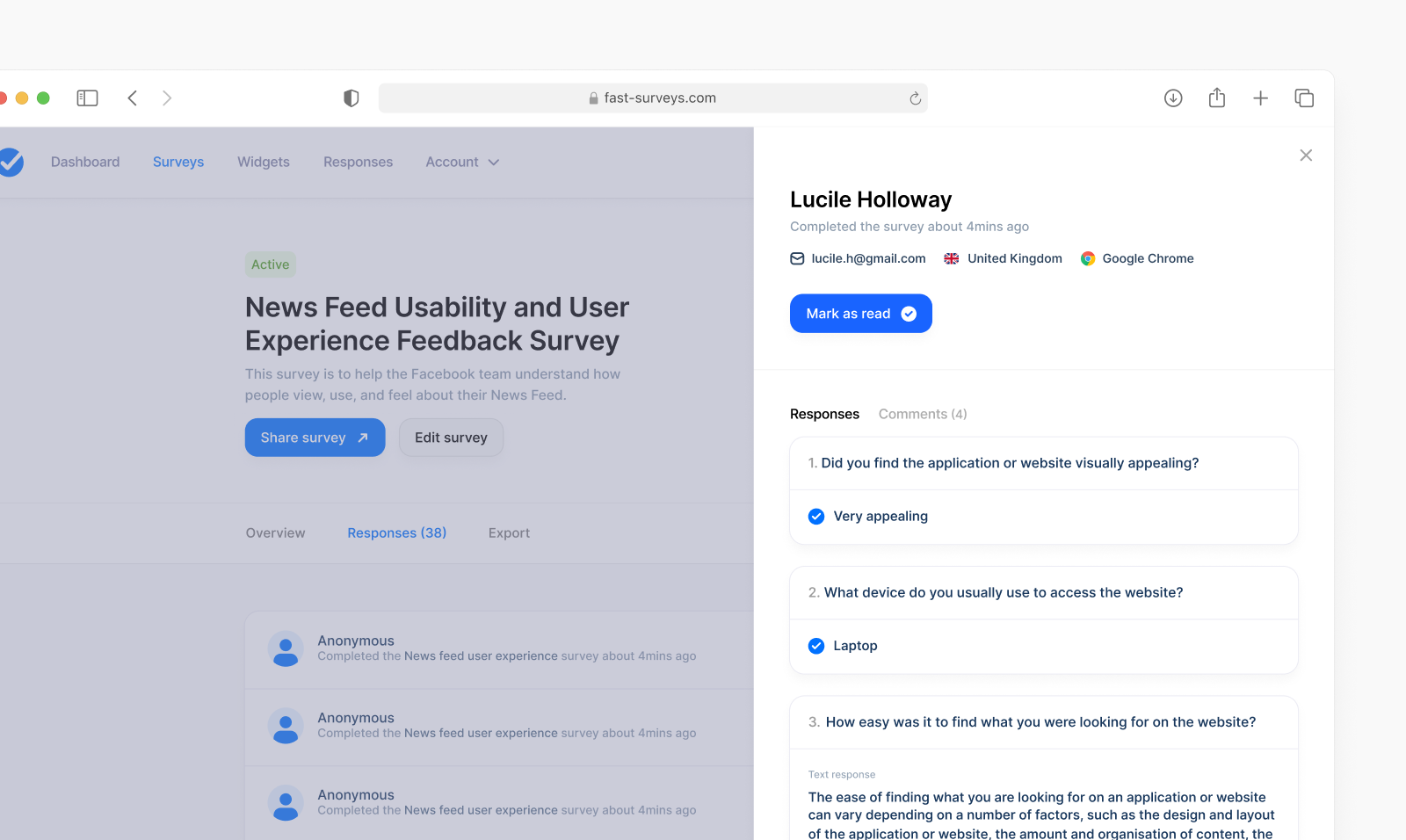
A clearer way to review responses
A single response is easier to read. You can open and close the summary, and responses you have already read are marked.

The latest features, improvements and updates to Fast Surveys.
A single response is easier to read. You can open and close the summary, and responses you have already read are marked.
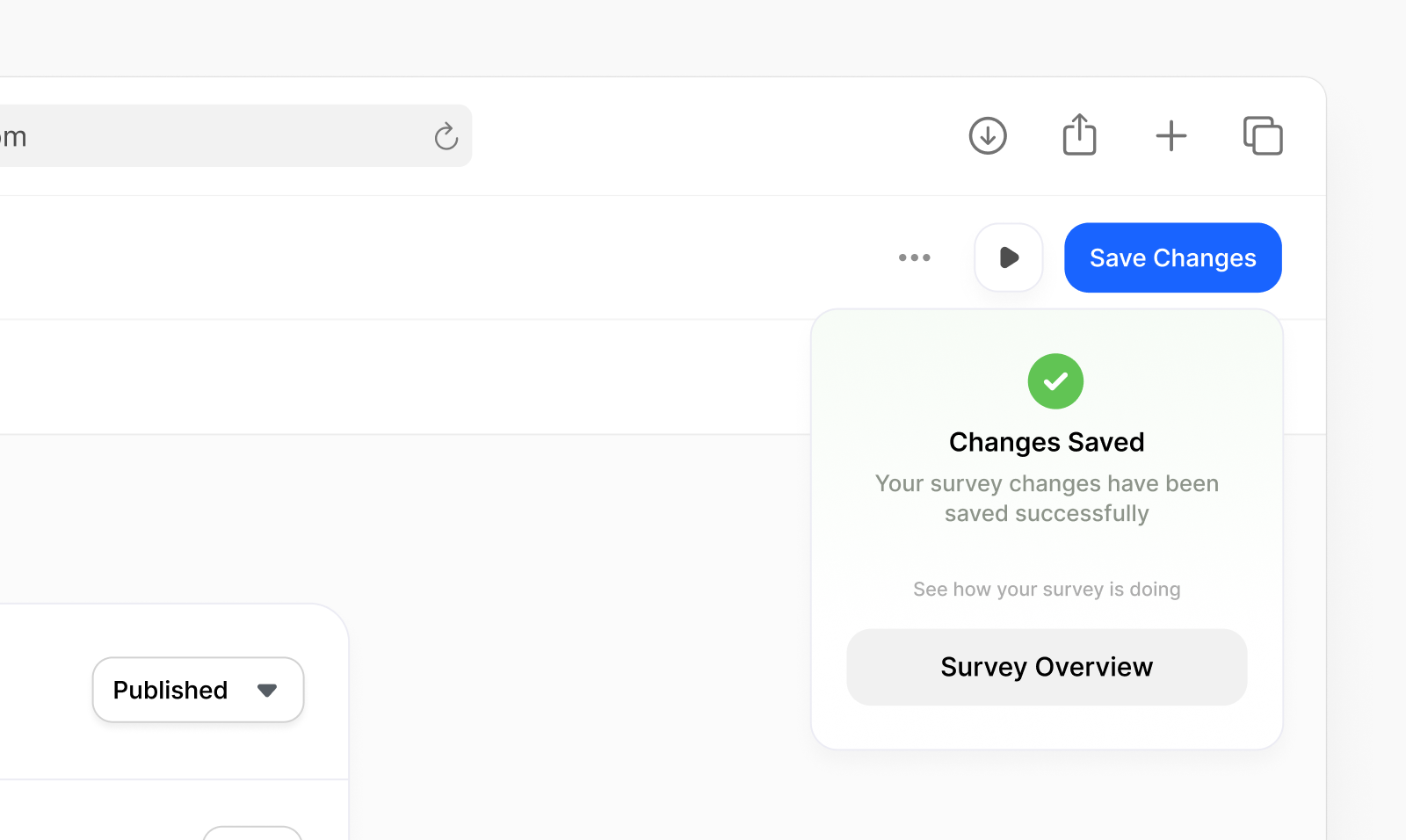
The preview in the builder matches the survey people will fill in. You can check it and edit questions in the same place.
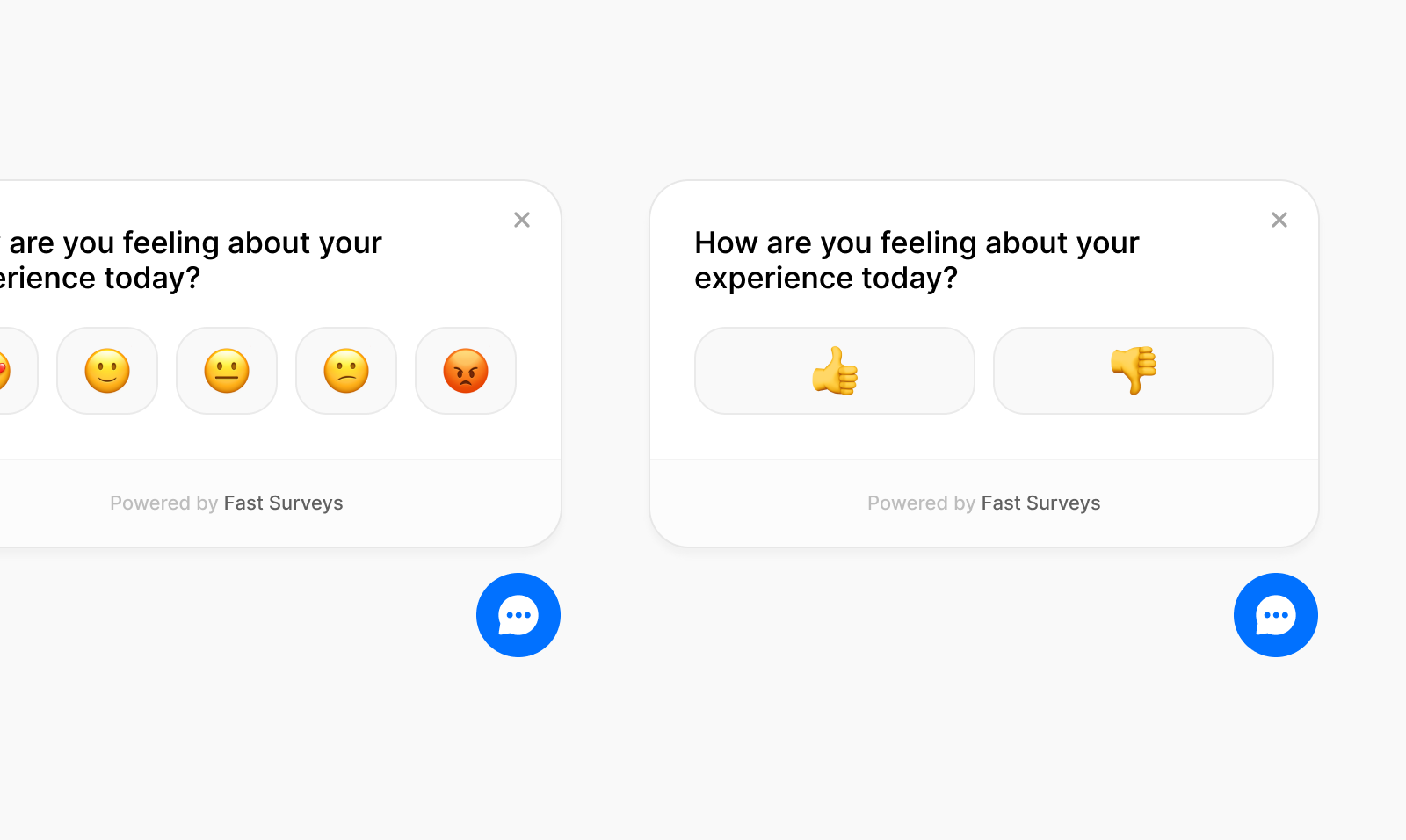
You can put a short question on your own website. Paste a snippet onto the page, and the answers come in with your other survey results. You can export them the same way.
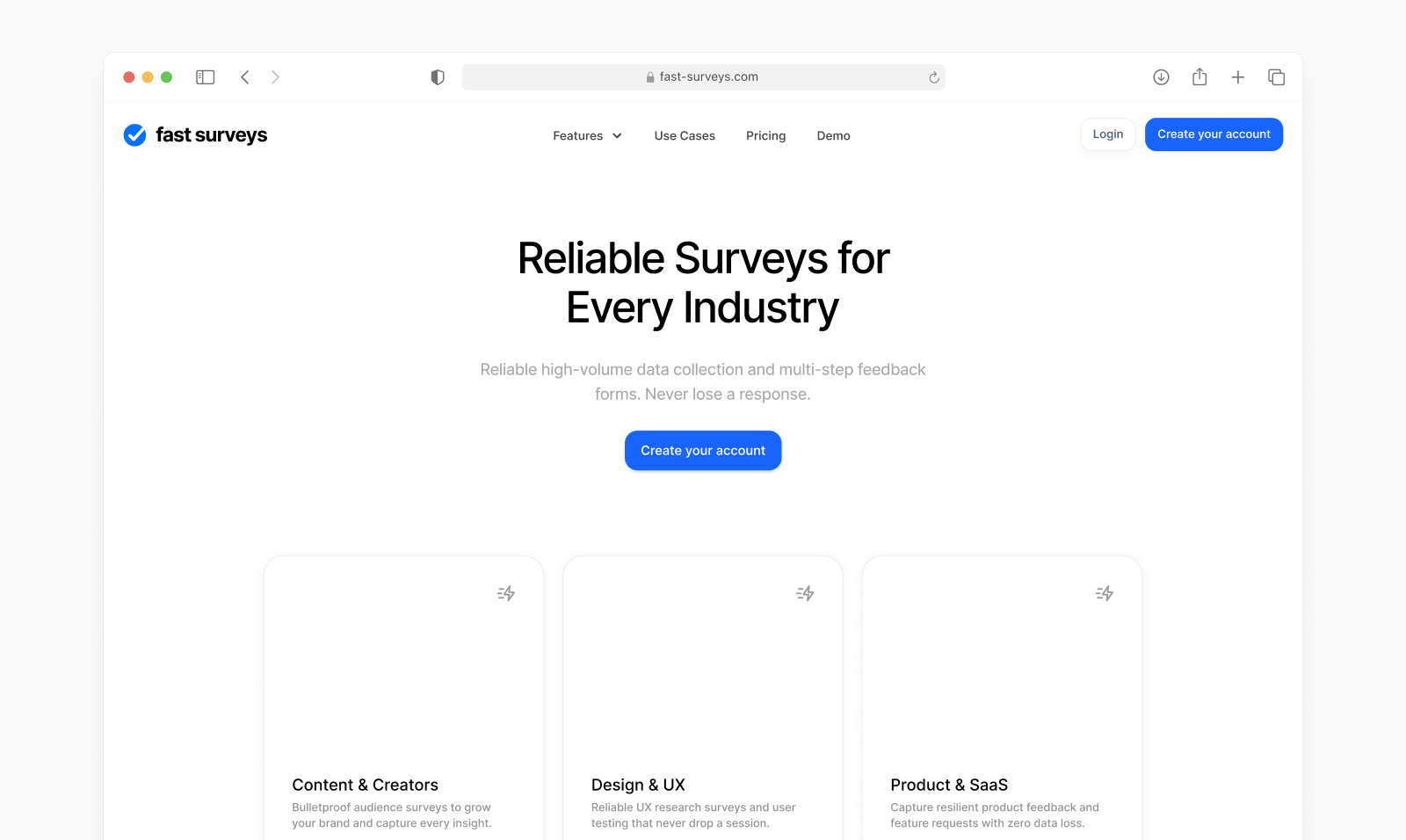
Use cases are on the homepage. Each one links to a longer example, such as customer feedback or a student poll.
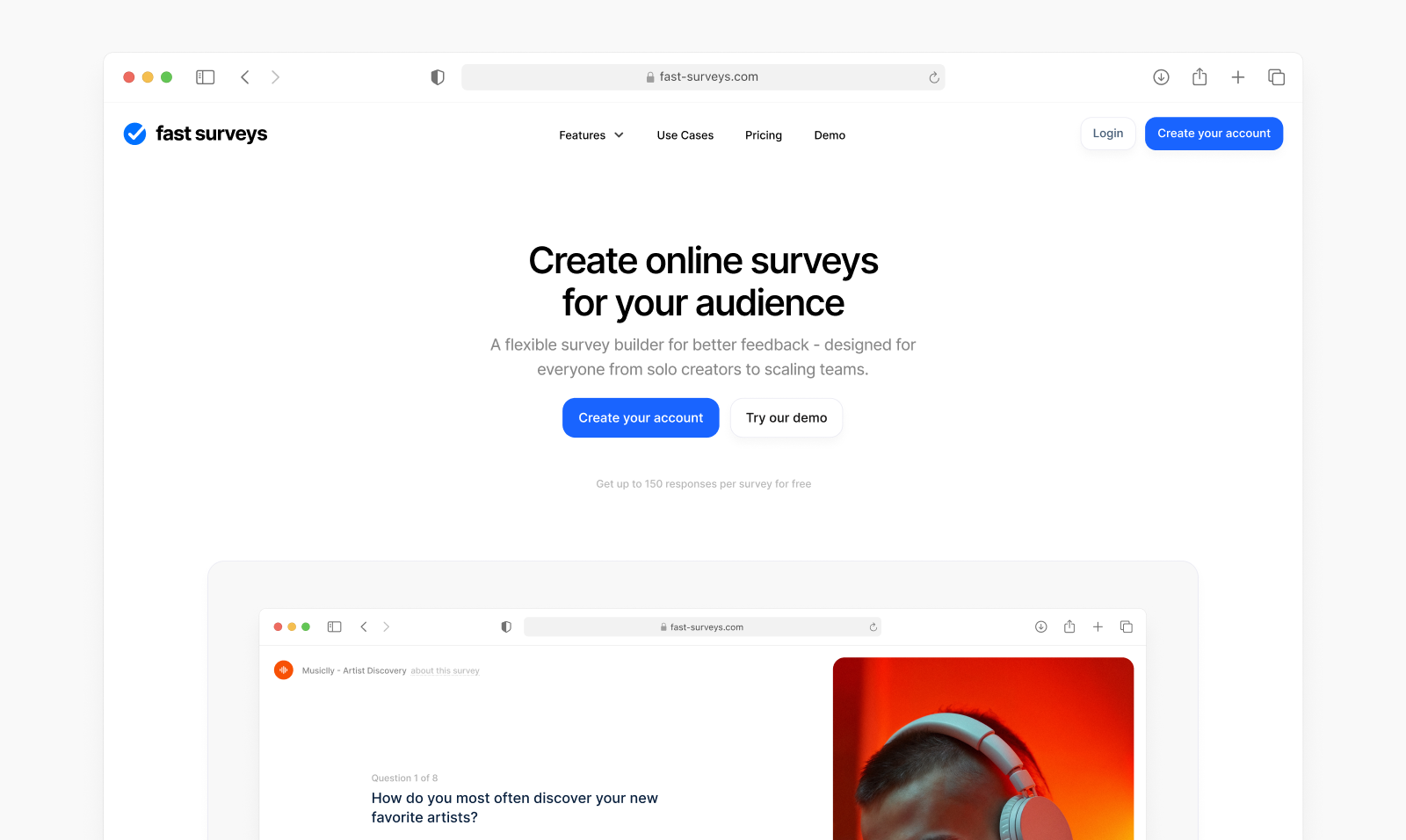
The homepage has been redesigned, with a clearer explanation of Fast Surveys and how to get started. The layout and footer were updated with it.
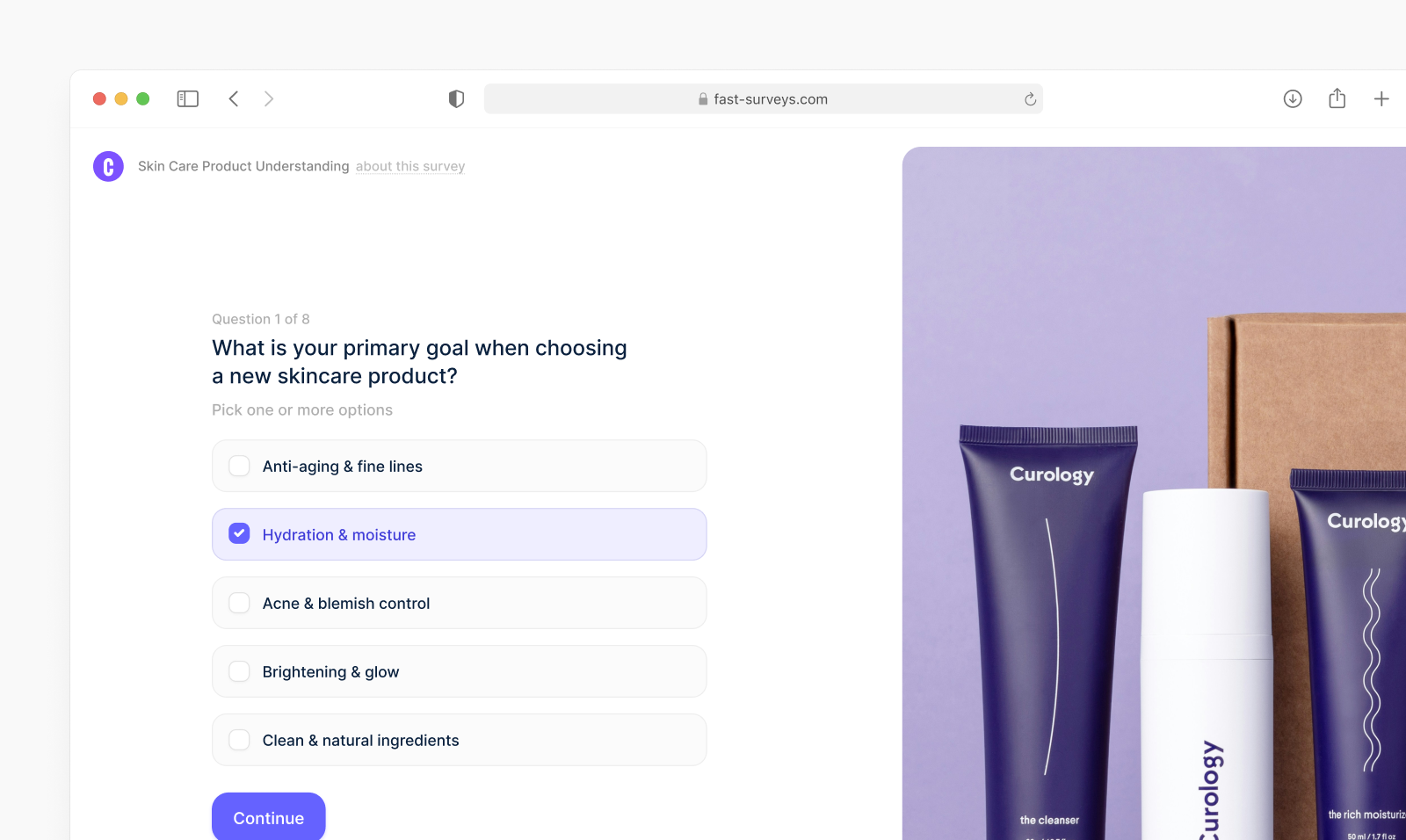
You can add an intro page before the first question, with a title and a short note about the survey. The survey design has been updated as well.
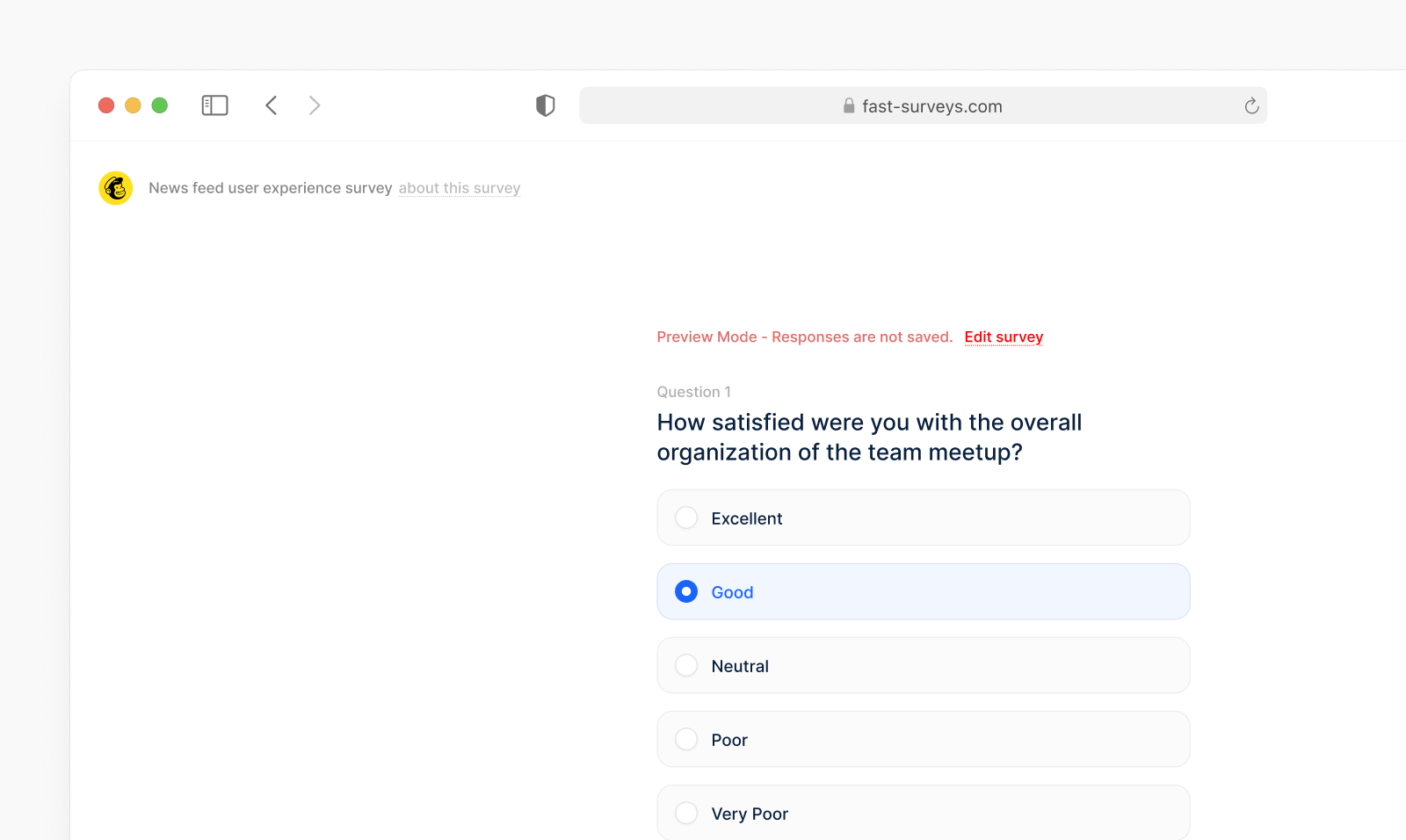
You can preview a survey and go through it the way a respondent will, before you share the link.
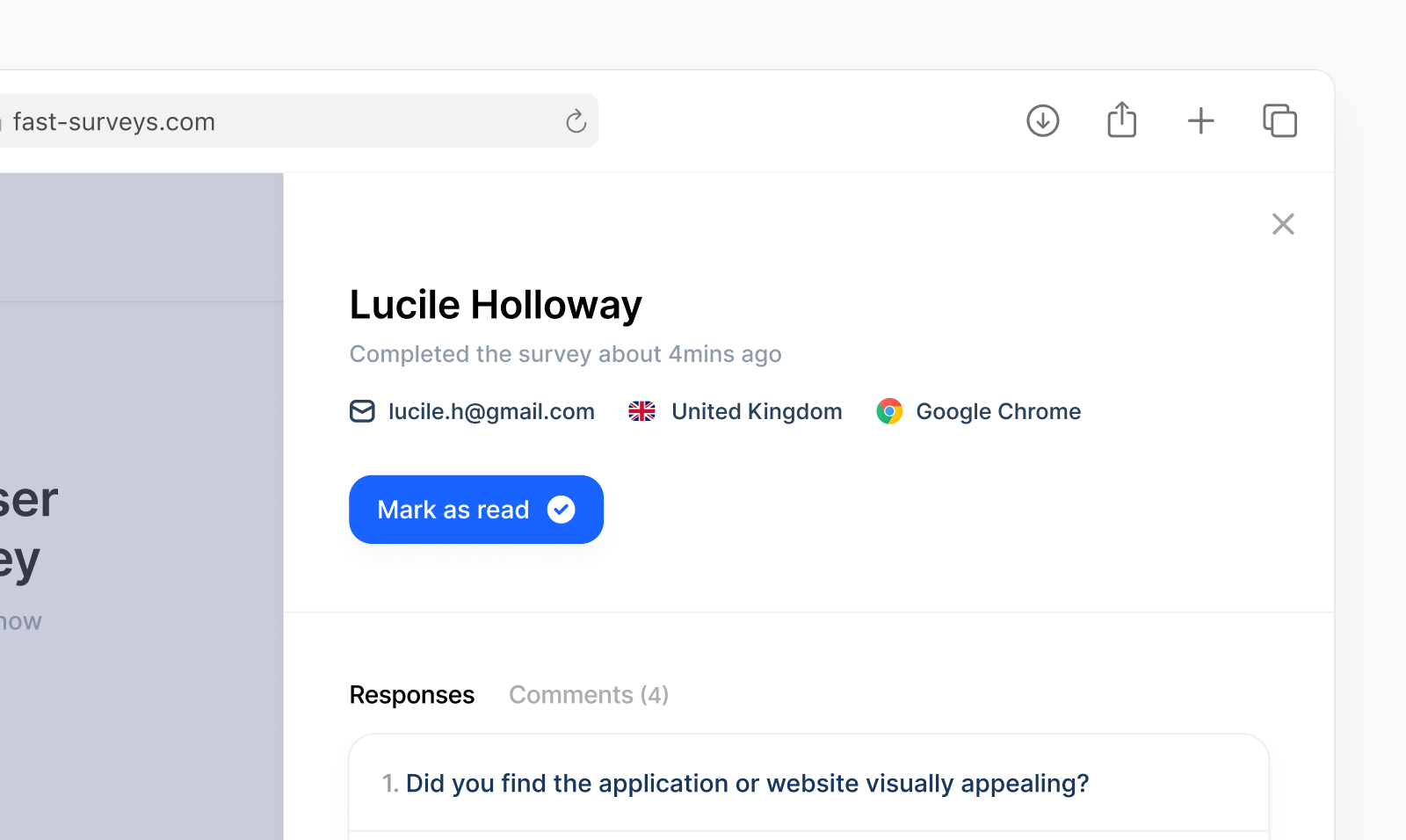
Each response shows the country it came from, at the top of the answer.
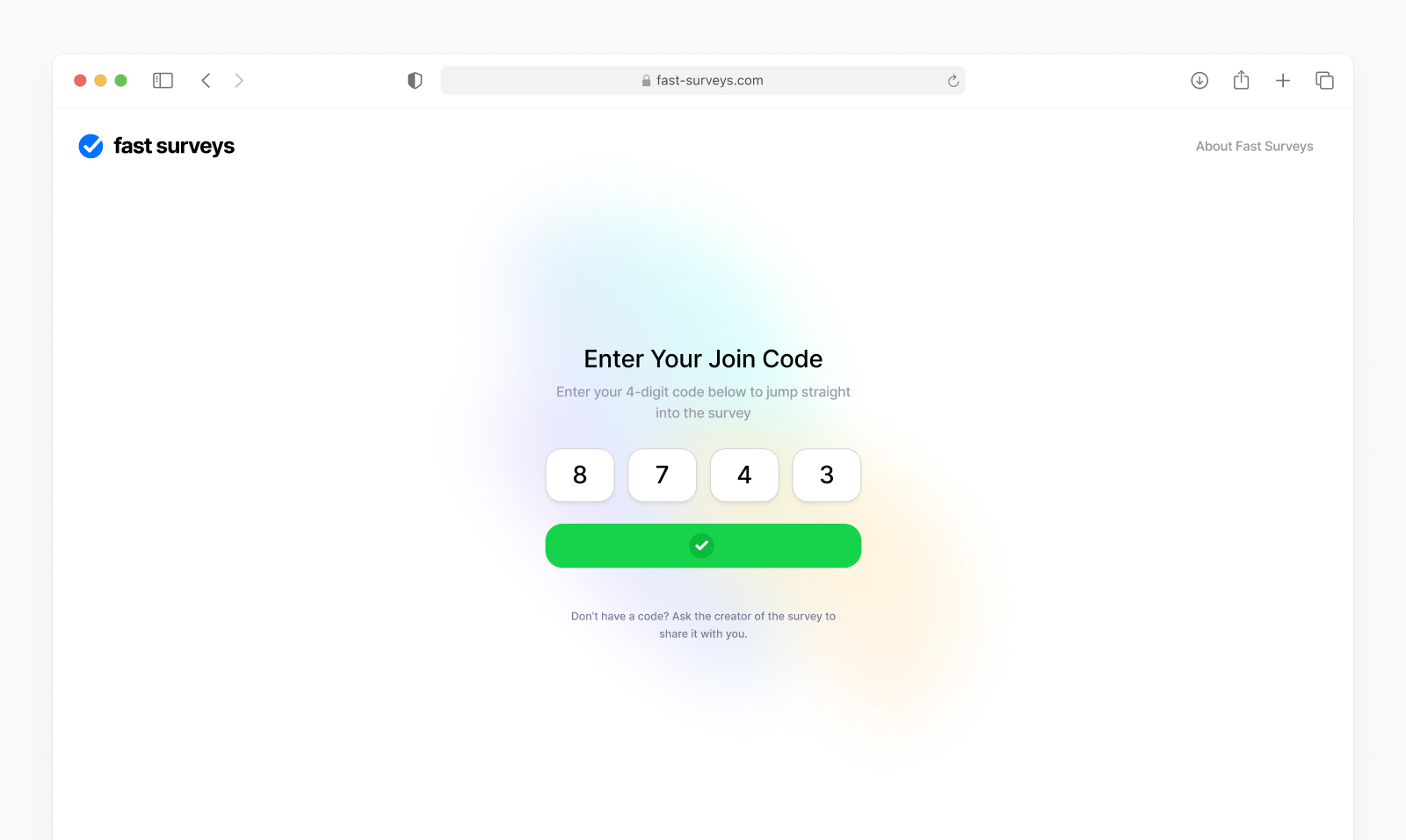
People can join a survey with a short code, as well as with a link. You can read the code out, or put it on a slide.