Sign in with Google
You can sign up and log in with Google, as well as with email and password. It is on the login page, the signup page, and in the survey builder.

The latest features, improvements and updates to Fast Surveys.
You can sign up and log in with Google, as well as with email and password. It is on the login page, the signup page, and in the survey builder.
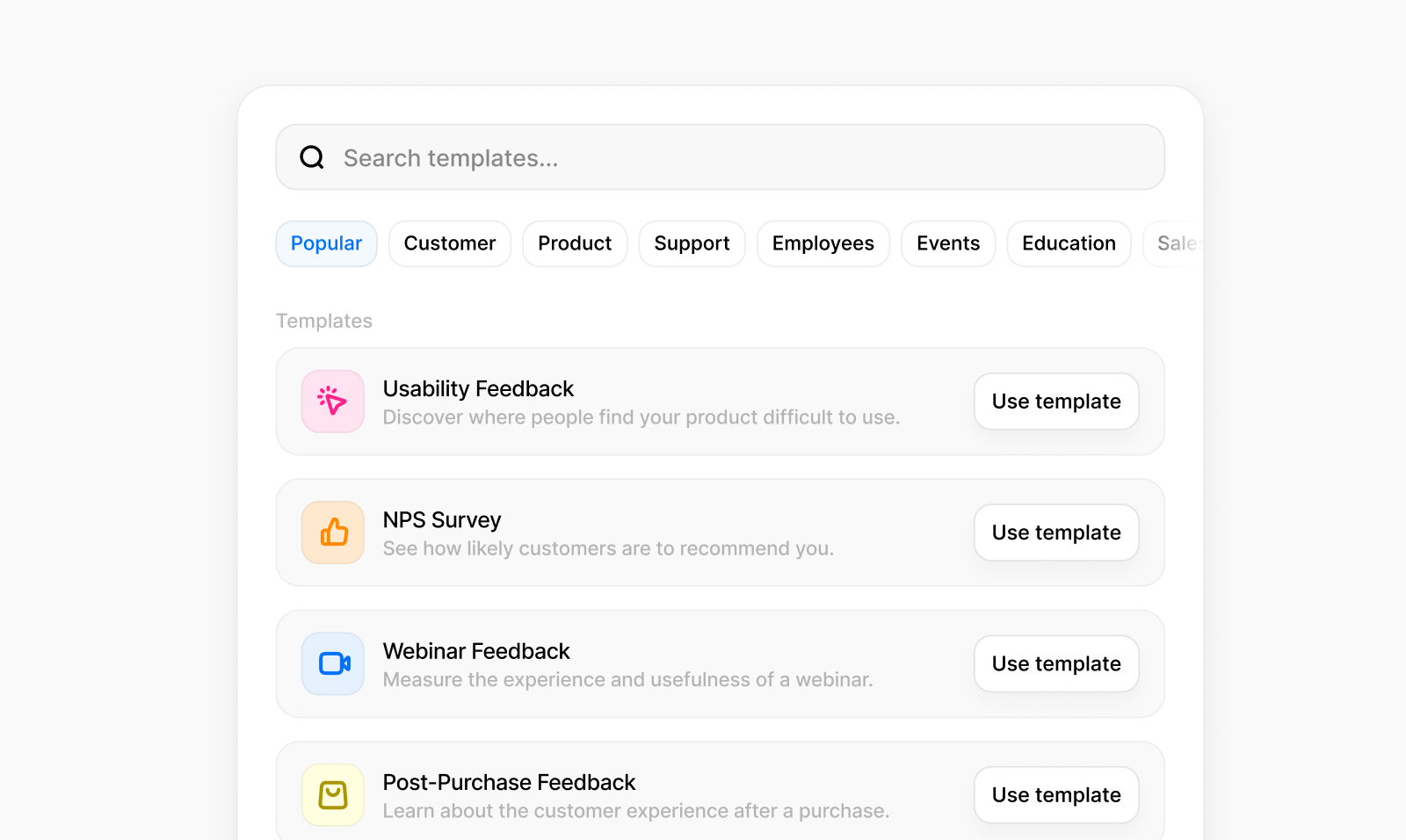
You can start from a ready-made survey, such as customer satisfaction, NPS, an employee check-in, or course feedback, and then edit the questions.
You can also search for a question type, or add a common question such as name, email, or yes/no.
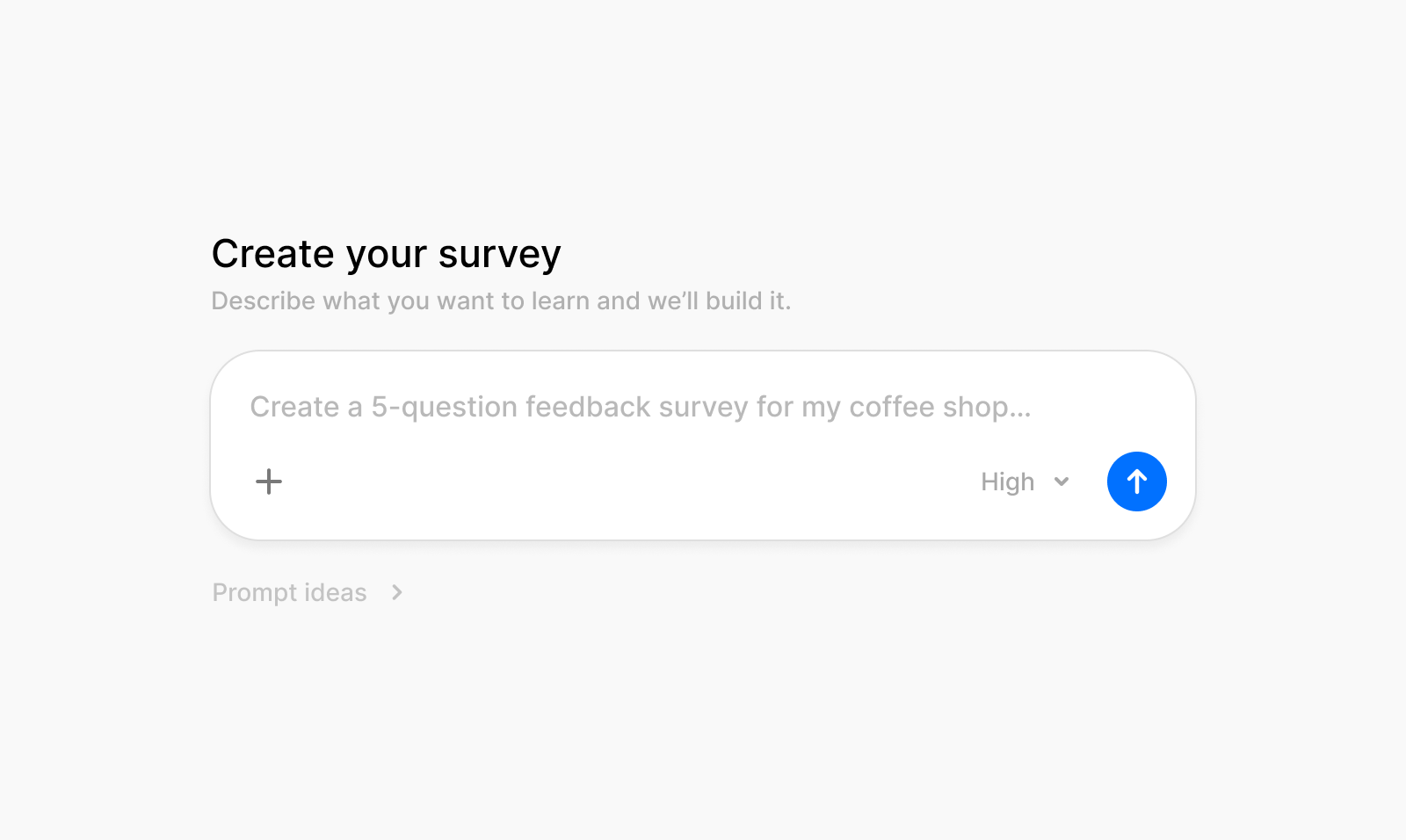
Describe the survey you want and the builder drafts the questions. You can edit them, or add your own alongside the draft.
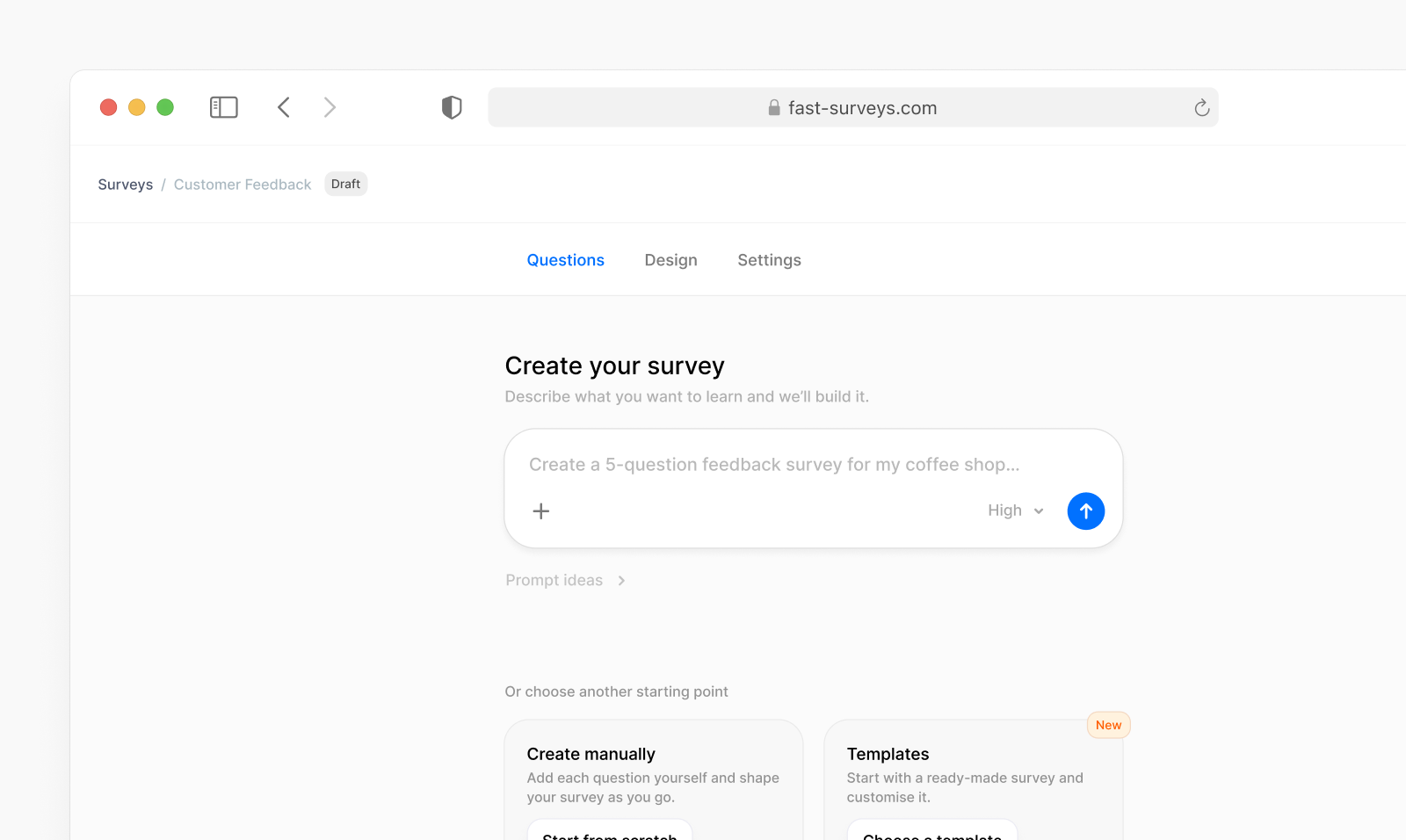
The survey builder is public. The main buttons on the site, including the homepage, open it so you can start a survey.
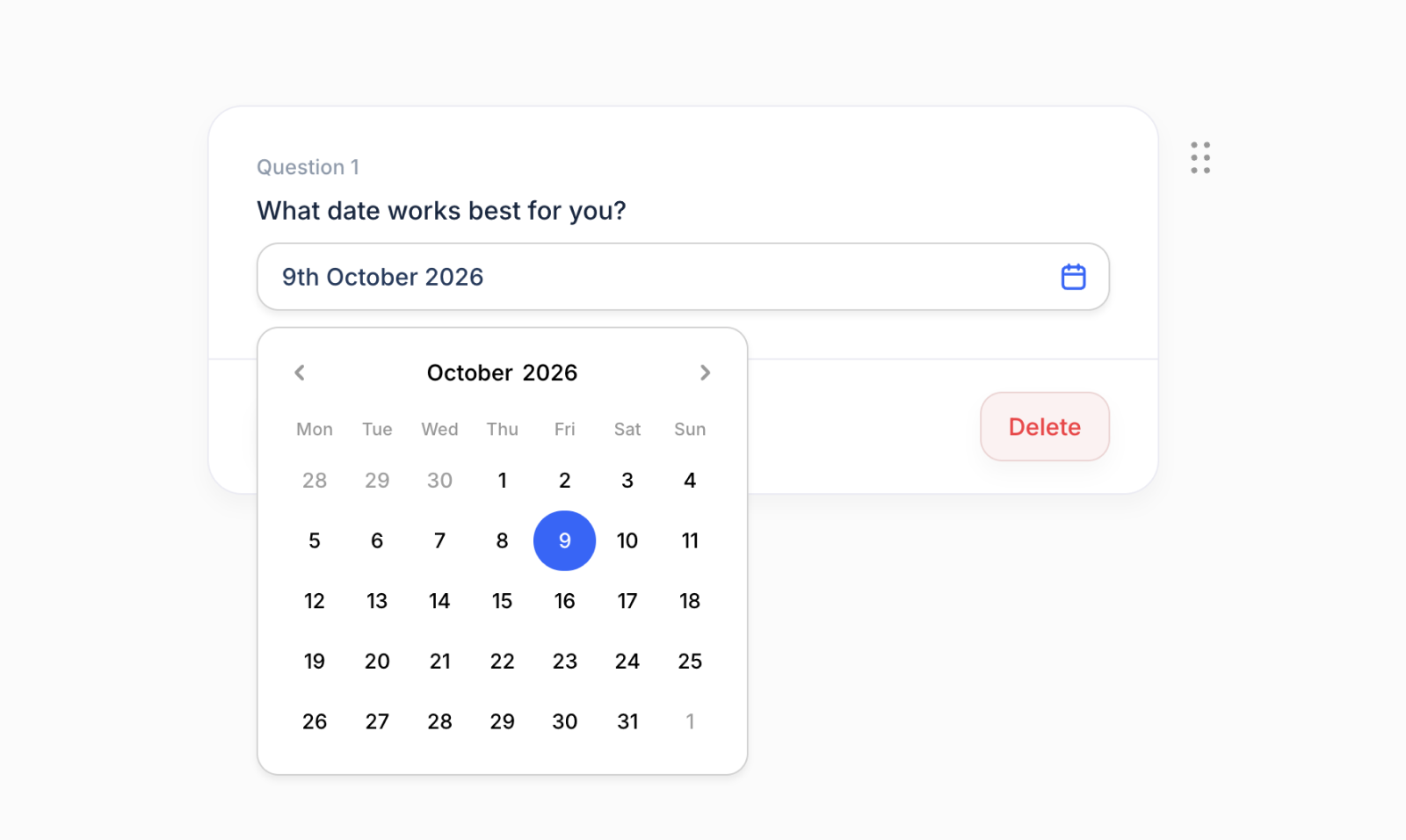
You can add a date question. People choose the date from a calendar.
When you create a survey with AI, the questions follow your description more closely.
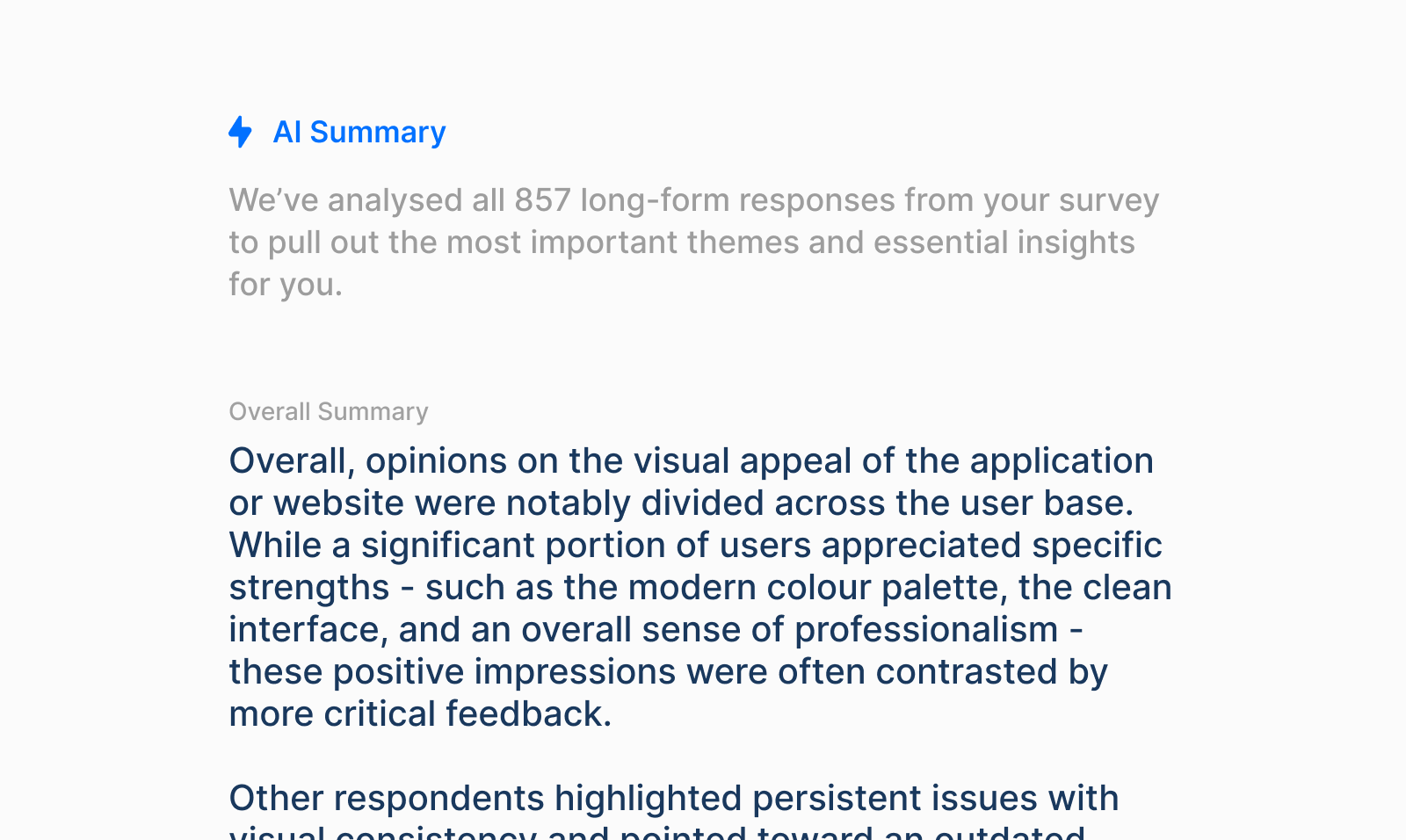
Written answers can be summarised, so you can see the main themes without reading every response. The summary stays clear as more answers come in.
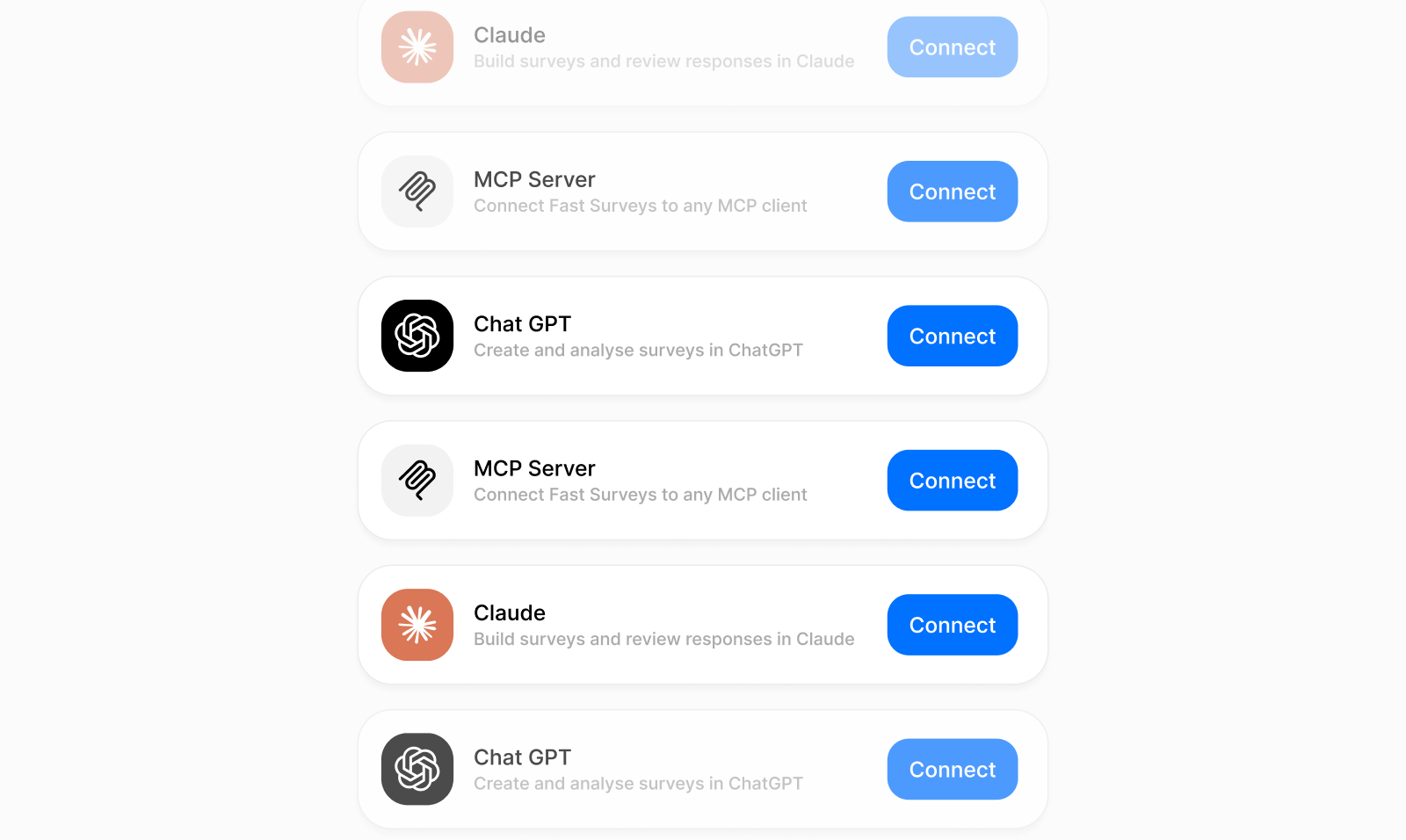
You can connect ChatGPT, Claude, or Grok to your Fast Surveys account. From the chat you can draft a survey, open an existing one, and read the responses.
Summaries of written answers are on the Pro plan.
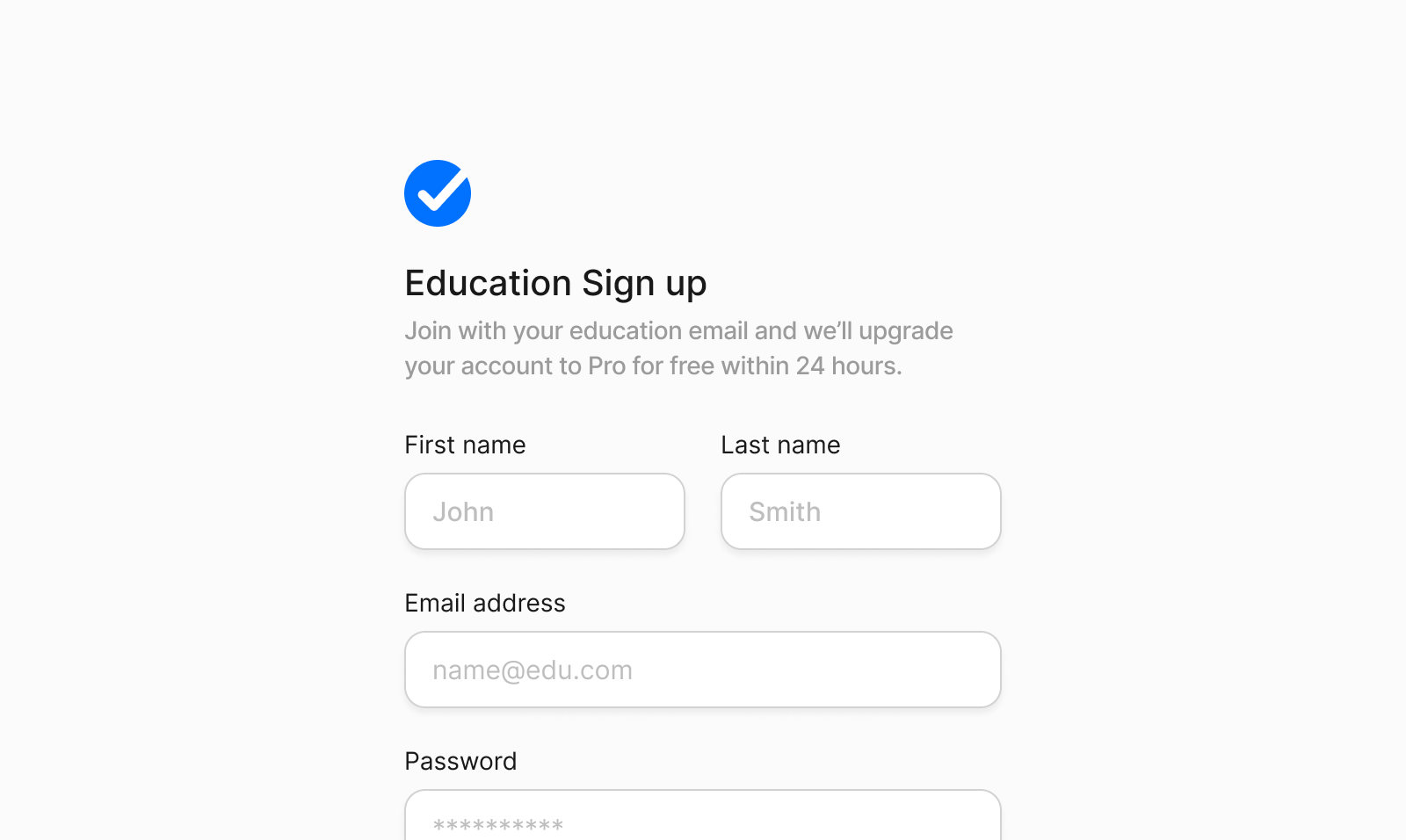
Sign up with an education email and the account is upgraded to Pro for free within 24 hours.
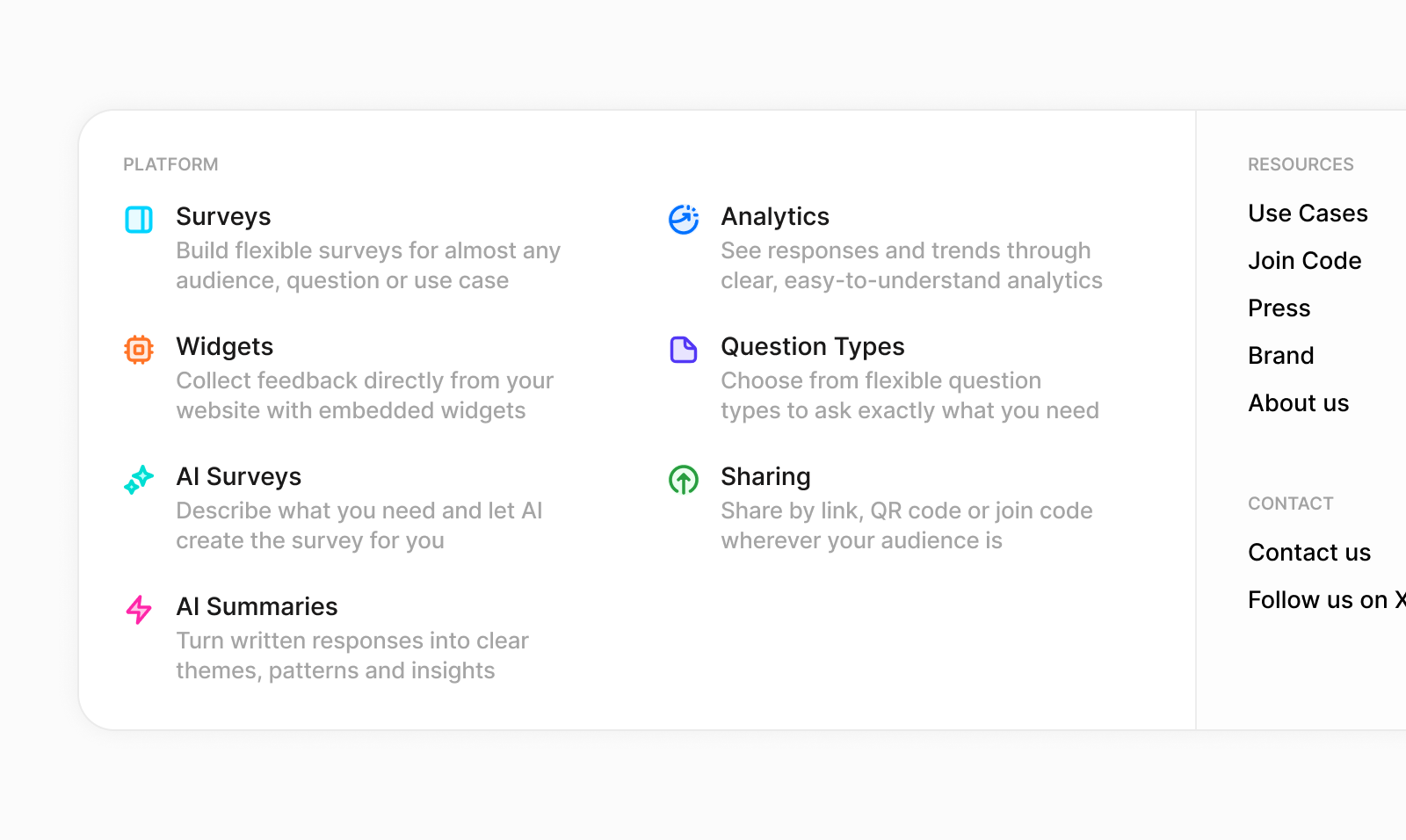
The site menu has been updated. Features and the other pages are grouped together, on desktop and on mobile.
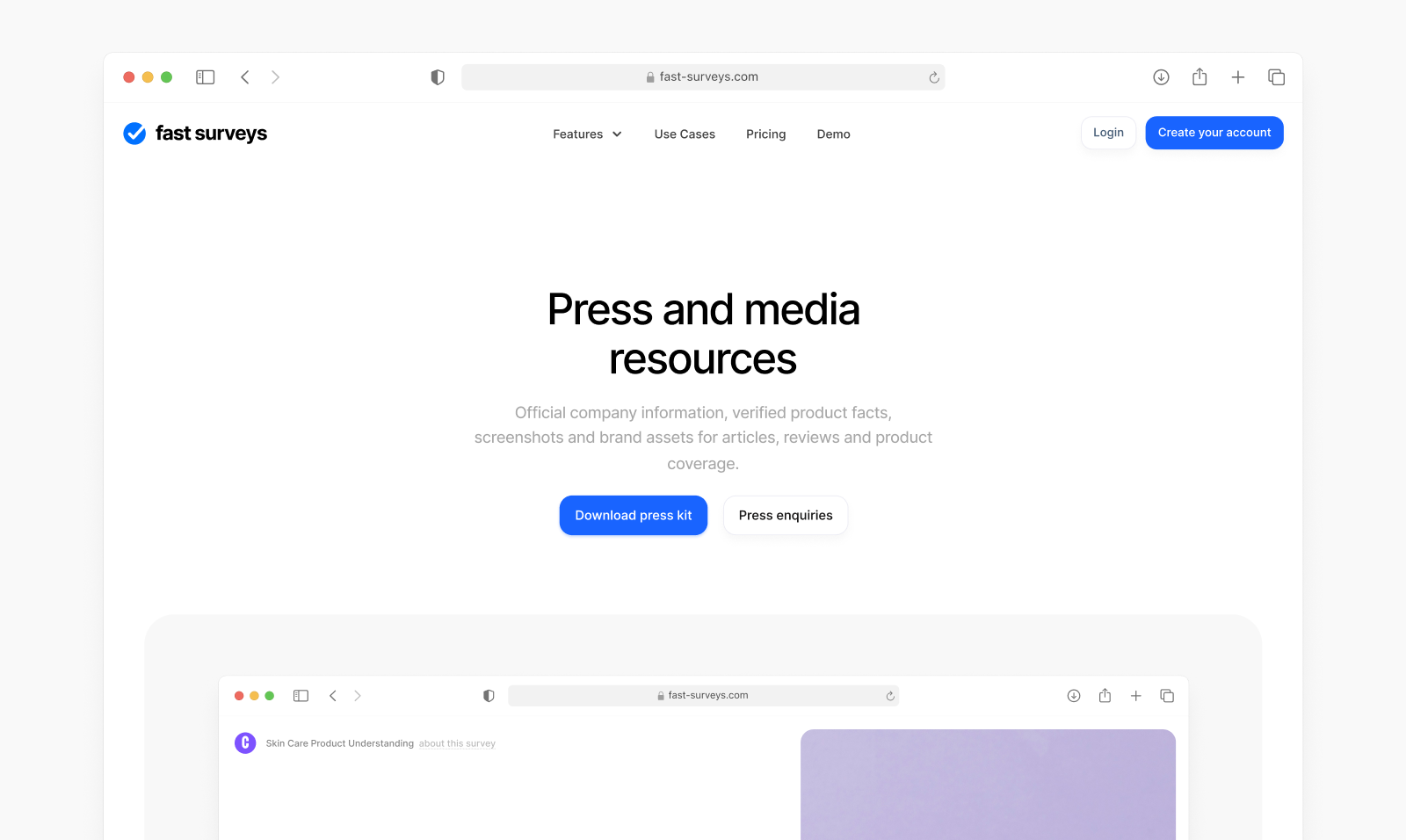
The press page has company facts, product details, and brand files you can copy or download.